When an office or shop moves, the security system is often the last thing anyone plans for and the first thing the owner wants working on day one. Cameras hang on brackets, cables disappear into ceilings, and the recorder is sitting in a cupboard nobody has opened in two years.
A little method up front makes the difference between a security system that is running by evening and one that needs a technician for a week.
Decide who removes what
Cameras and cabling are fixed to the building, so removal is usually best done by whoever installed them or by a technician you trust. The truck and the driver should only meet equipment that is already unplugged, labelled and boxed. Do not ask a driver or a helper to pull cameras off a wall.
If the old building is rented, check what the landlord expects you to leave behind before anything is removed.
Document the system before you touch it
Spend ten minutes recording what you have.
- Photograph the recorder from the front and back with all cables connected.
- Photograph each camera in place, and note where it points.
- Draw a rough floor plan and number each camera on it.
- Write down login details and network settings, and keep them with you, not in the box.
At the new site, this record is the manual. A system installed from a sketch takes an afternoon. One installed from memory takes much longer.
Label every cable at both ends
Put numbered tape on each cable end and on the matching camera. Camera 3 has a tag on the camera, a tag on the cable and the same number on your floor plan.
Coil each cable loosely, not tightly, and bundle it with the camera it belongs to. Tight kinks inside the cable break the wire, and you will not see the damage until a camera fails to show a picture.
Protect the recorder and the hard drives
The recorder holds the hard drives, and the hard drives hold your footage. Treat them as the most delicate item in the system.
- Switch the recorder off properly before unplugging it, following the manufacturer's guidance.
- If the drives are removable, take them out, put each in an anti-static bag or its own padded box, and carry them in your own car.
- If the drives stay inside, wrap the recorder in cloth or foam and keep it upright.
- Never place anything heavy on top of it.
Footage you need for an incident or an investigation should be exported before the move, not hoped for afterwards.
Ready to move?
Request a truck or van on Sphere
Choose your vehicle, propose your price, and verified drivers in Lagos, Abuja and Ibadan accept or send a counter-offer.
Cameras, monitors and power units
Cameras are small but the lenses scratch easily. Wrap each one in soft cloth or bubble wrap, put them in a sturdy box with the numbers visible, and keep the mounting brackets and screws in a labelled bag with the matching camera.
Monitors travel in their boxes where you have them, or wrapped with the screen protected. Power supplies and adaptors go in with their own cables so you never try to run a camera on the wrong voltage.
Access control and door units
Card readers, keypads, magnetic locks and control boxes follow the same rule: photograph the wiring first, label each wire, and bag the screws. Keep any master cards or codes with you.
On the truck
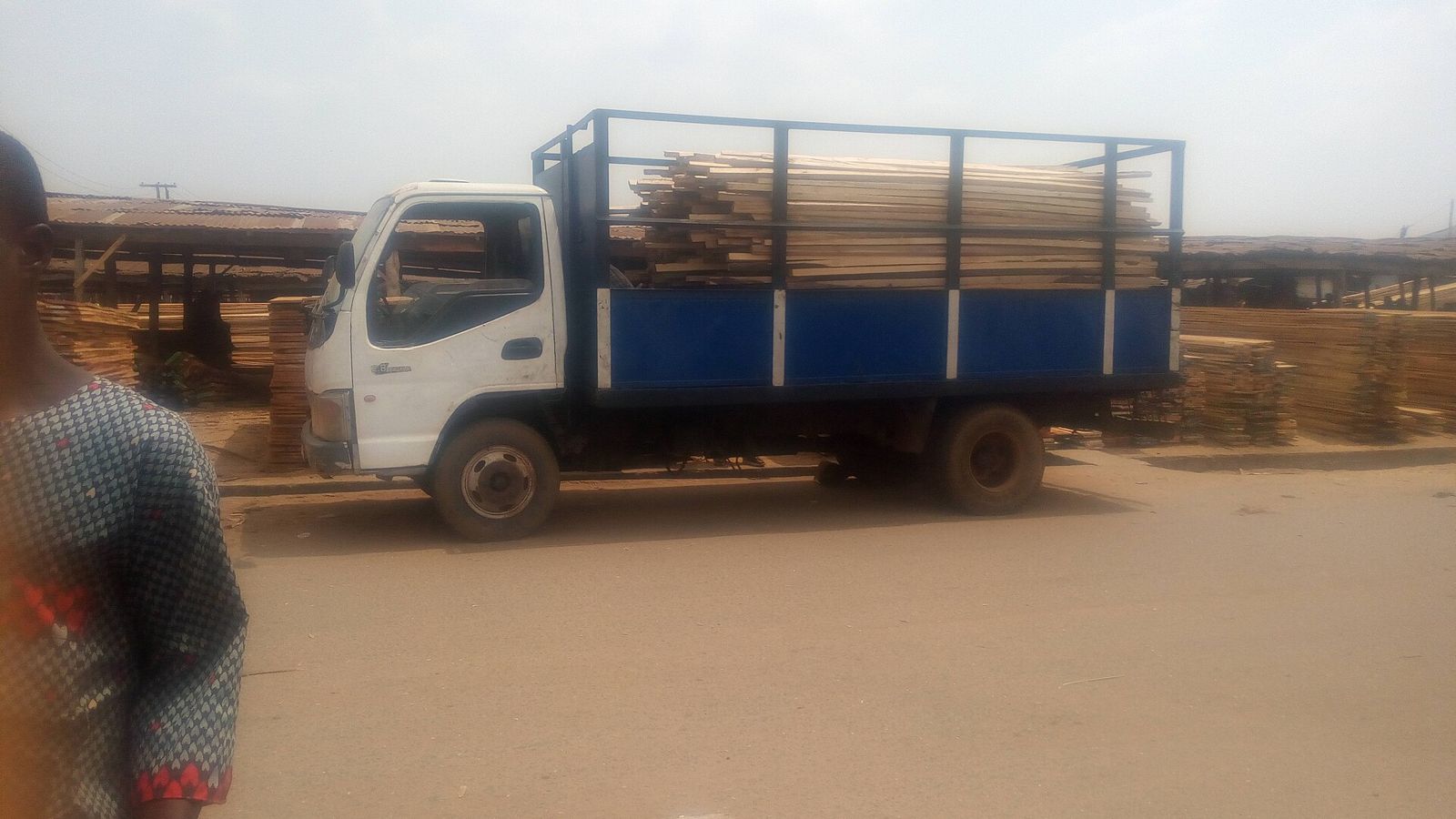
Security equipment is light and delicate, so it rides high and last. Put the boxes on top of heavier items, or in the cab with the driver if the vehicle allows it, and keep them away from the generator, the fuel and the damp. Cover the load if rain is likely.
Our guide on moving computers, servers and networking equipment covers a lot of the same ground for the rest of the office.
Reinstalling at the new place
- Check where the cables will run and the power sockets before mounting anything.
- Fix the cameras and test each picture on a monitor.
- Reconnect the recorder, check the date and time, and confirm it is saving footage.
- Walk the area and note any blind spots.
How to do this on Sphere
For the move itself, request a pickup van or a truck on Sphere, describe the load, and mention that the boxes are fragile electronics. Propose a price and nearby verified drivers will accept or send counter-offers. Agree loading and offloading help with the driver before you accept. For a whole workplace, see office relocation in Lagos and our guide to office moves.
Frequently asked questions
Should the driver take the cameras off the wall?
No. Have an installer or technician remove cameras and cabling. The driver should only carry equipment that is already off the wall, labelled and boxed.
Is it safe to leave the hard drives inside the recorder?
It can be, if the recorder is switched off, wrapped and kept upright. Removing the drives and carrying them in your own car is safer.
How do I avoid reinstalling from scratch?
Photograph the wiring, number every camera and cable, and draw a simple plan. Keep screws and brackets in bags with the matching camera.
Can this equipment go in the same truck as heavy furniture?
Yes, if it is boxed, placed high and packed so nothing can press on it. Keep it away from fuel, damp and loose heavy items.
What do I do about footage I need to keep?
Export what you need before the move and store it on a separate drive. Do not rely on the recorder surviving the trip.
Request your move
Request a truck or van on Sphere
Choose your vehicle, propose your price, and verified drivers in Lagos, Abuja and Ibadan accept or send a counter-offer.
Get New Guides
Join Sphere's logistics insights list
New guides on moving homes, offices and business goods, sent to your inbox.