You are at the drop-off, the wardrobe is down, and the customer points to a scratch on the side. You are sure it was there when you loaded. You cannot prove it. The next ten minutes are an argument, and the job you were proud of finishes badly.
A few photos taken in the first five minutes of a job would have ended that argument. This is a habit that costs nothing, and good drivers build it early.
Why photos help both sides
Photos are not about suspicion. They give you and the customer the same facts to look at.
- If an item was already damaged, the photo shows it, and nobody has to guess.
- If something does get damaged on the road, the photo of the packing and the strapping shows you did your part.
- If the customer says an item was never loaded, you can show what was on the vehicle when you left.
Keep the pictures on your phone. They are for you, so do not send them anywhere unless you need to settle a real question.
At pickup: what to photograph
Take your photos before you lift anything, or as the first items come out. A quick round is enough.
- The whole pile or room, so the full load is visible.
- Large items from the front and the side: wardrobe, fridge, mattress, generator, sofa.
- Any damage already there: a cracked glass top, a dent on a freezer, a torn sofa corner.
- Anything fragile that the customer says is delicate, in the packing it is in.
- The serial or label on high-value electronics, if the customer is happy for you to do so.
Speak to the customer as you do it. A sentence such as "I am just taking a quick picture of the wardrobe before we lift" is fine. Most people are happy to see a driver being careful.
On the vehicle: one photo of the load
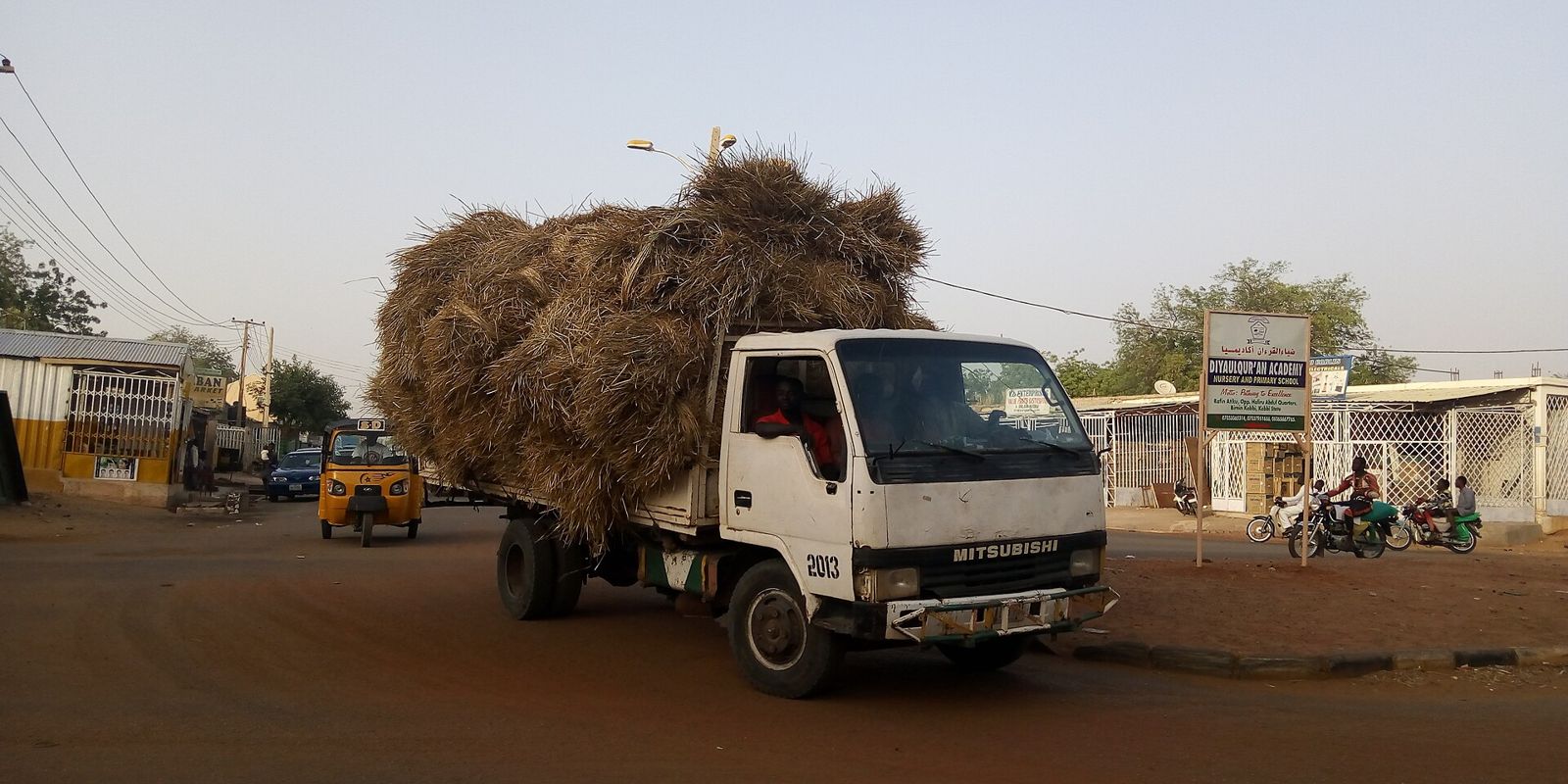
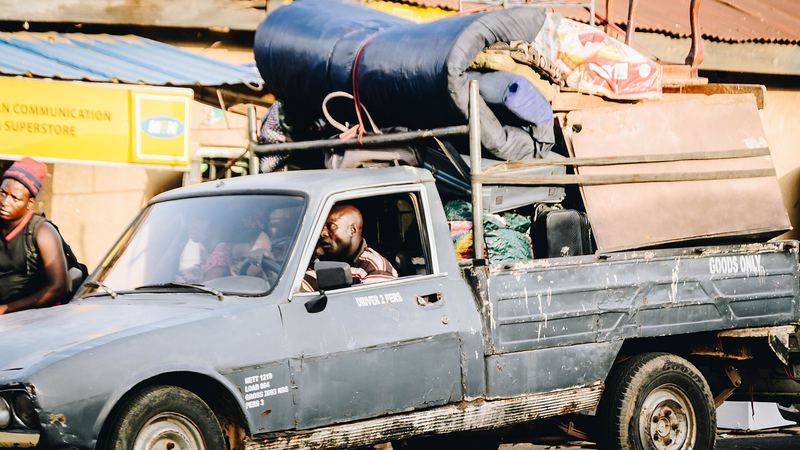
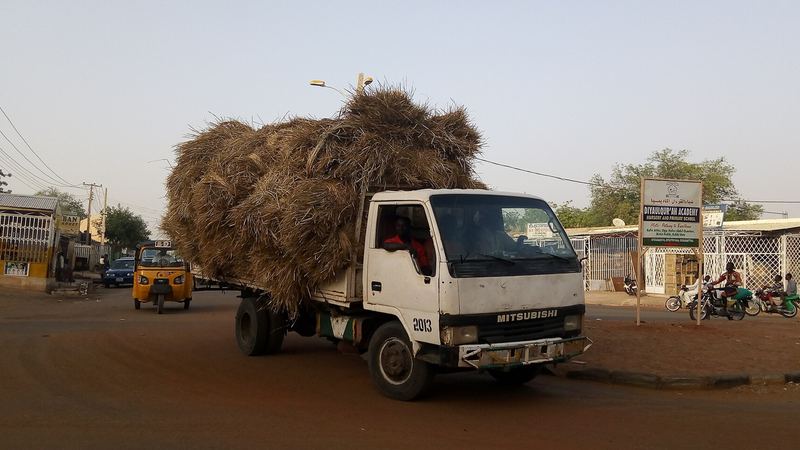
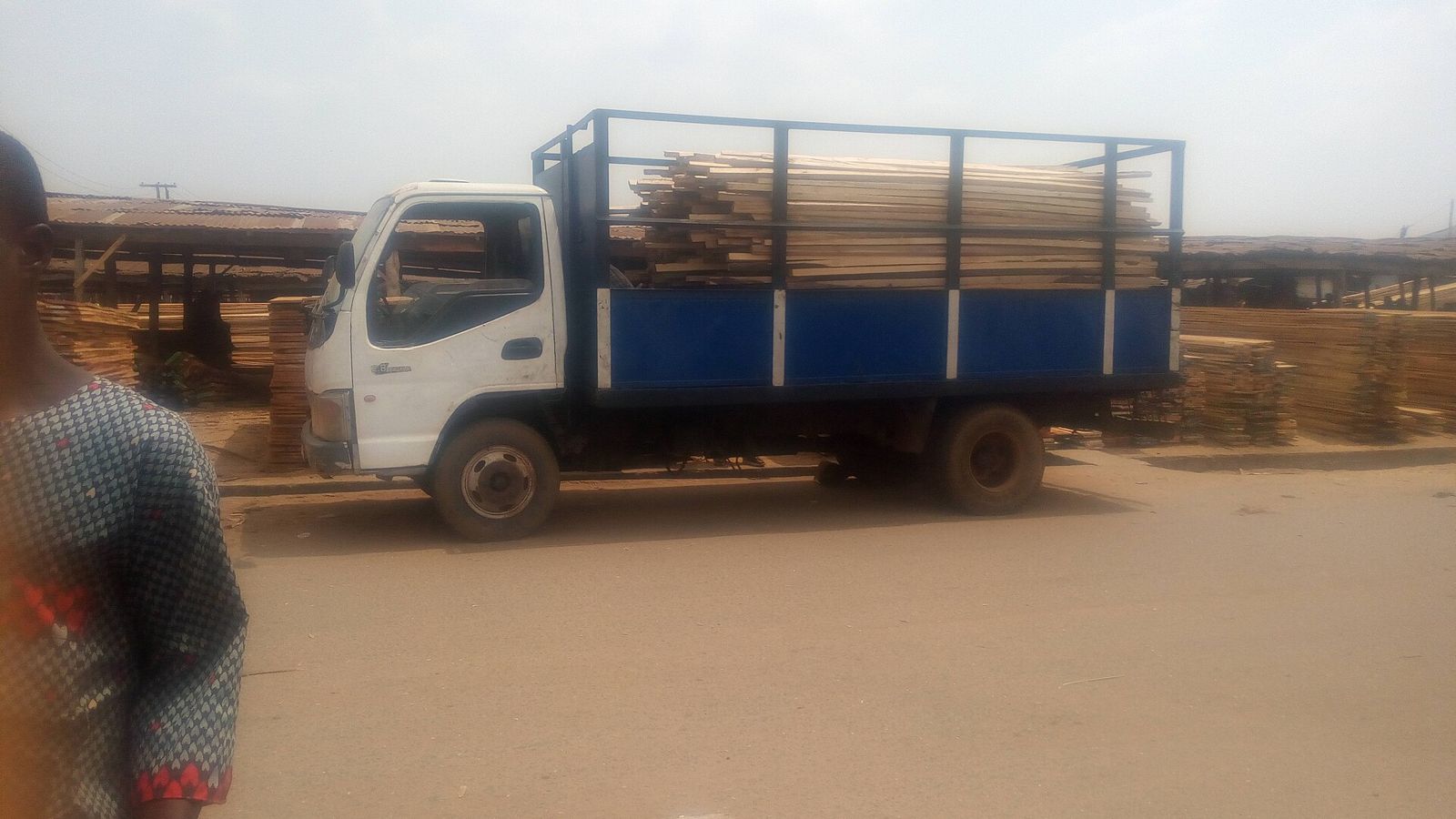
After loading and strapping, take one clear photo from behind the vehicle. It should show how the load sits, that the straps are on and that heavy items are low. Our guide on securing a load with straps, ropes and tarpaulins explains what a good load looks like.
If you stop on the road, check the load again and take another photo only if something has moved.
At drop-off: the second round
Take pictures at the same points when items come off the vehicle. Photograph each large item as it is put down, and the finished pile or room when everything is in.
If the customer raises a problem, do not argue. Look at the item together, compare it with your pickup photo and agree what happened. Most problems end there.
Our post on when a move goes wrong goes into the steps you can take if it does not.
Drive with Sphere
Turn your truck or van into steady income
Accept move requests in Lagos, Abuja and Ibadan on your own schedule. Free to join, and you keep 90% of every job.
What not to do
- Do not photograph the customer's face, their documents or the inside of their home beyond what the job needs.
- Do not post pictures of a customer's belongings on social media.
- Do not delete photos the same day. Keep them at least until the job is settled and the customer has had time to check everything.
- Do not make the photos feel like an interrogation. Be quick, polite and friendly.
Make it easy on a busy day
A phone is often full of other things, so set it up.
- Keep a few hundred megabytes free, so the camera does not stop at the wrong moment.
- Clean the lens with a cloth. A smudged lens ruins a photo in sunlight.
- Use flash or a torch for night jobs or dark corridors. Our guide to night moves in Lagos covers the extra care at night.
- Keep a small folder for each week, and clear out the old ones.
How this fits with Sphere jobs
On Sphere, customers describe the load, add the pickup and drop-off and propose a price. Nearby verified drivers accept or send a counter-offer, and the customer picks. Before you accept, use the chat to agree the details: access, floors, loading help and what is being moved.
Then the photo habit does the rest on the day. If you are new, see how to join at drive and earn with Sphere. Your licence, ID and vehicle details are checked before you can take jobs, and you keep 90% of each job.
Frequently asked questions
Do I need the customer's permission to take photos?
It is polite to tell them you are taking a quick picture of the items, and most customers agree. Do not photograph people or private documents.
How many photos should I take?
Enough to show the whole load and each large or fragile item. Ten to fifteen quick photos usually cover a normal job.
How long should I keep the photos?
Keep them at least until the job is complete and the customer has checked everything. Keeping them a bit longer does no harm.
What if the customer refuses to be photographed with their items?
Do not push. Tell them you would like a record of the items for both sides, and if they still say no, take a picture of the vehicle and the load only.
Does Sphere require drivers to take these photos?
It is a habit we recommend, and it protects you on every job, whatever the size.
Start driving
Turn your truck or van into steady income
Accept move requests in Lagos, Abuja and Ibadan on your own schedule. Free to join, and you keep 90% of every job.
Get New Guides
Join Sphere's logistics insights list
New guides on moving homes, offices and business goods, sent to your inbox.